
1. Overview and Core Differences
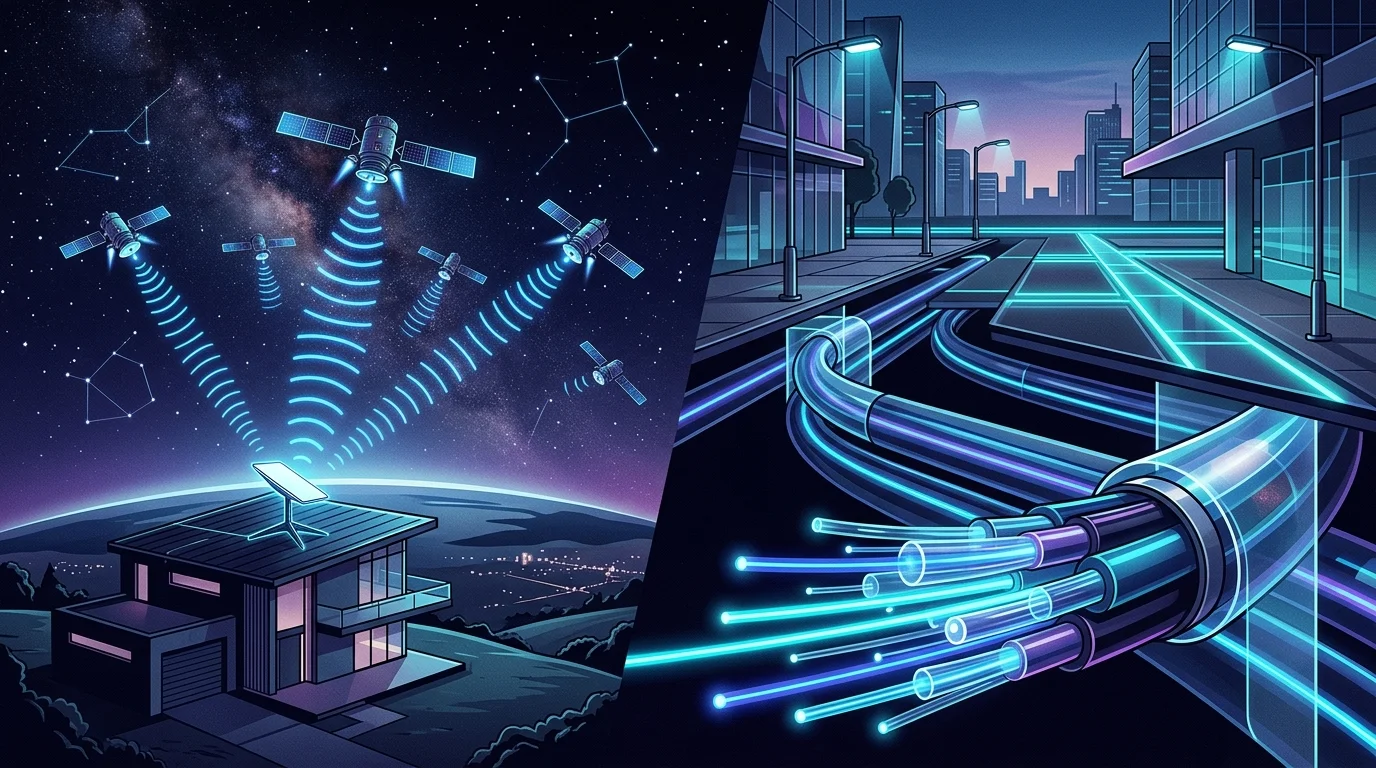
SpaceX's Starlink has redefined rural internet access by launching thousands of Low Earth Orbit (LEO) satellites to blanket remote corners of the globe with broadband. At the same time, telecommunications providers are investing billions into Fiber-to-the-Home (FTTH) infrastructure, laying micro-thin glass strands capable of delivering multi-gigabit speeds at the speed of light.
While both represent the pinnacle of modern networking engineering, they serve fundamentally different operational environments. Below, we break down our laboratory and field speed test data comparing Starlink and Fiber across download throughput, upload capacity, loaded ping, weather resilience, and total cost of ownership.
2. Head-to-Head Technical Specifications
To understand the fundamental differences between satellite radio transmission and optical fiber, review our direct side-by-side benchmark comparison:
| Metric / Feature | SpaceX Starlink (Standard) | Fiber Optic (FTTH GPON / XGS-PON) |
|---|---|---|
| Download Speed Range | 50 – 220 Mbps | 300 – 5,000+ Mbps (Up to 5 Gbps) |
| Upload Speed Range | 10 – 25 Mbps | 300 – 5,000+ Mbps (Symmetrical) |
| Idle Latency (Ping) | 30 – 55 ms | 3 – 15 ms |
| Loaded Latency (Bufferbloat) | 75 – 180 ms (+40–125 ms jump) | 5 – 25 ms (+2–10 ms jump) |
| Weather Vulnerability | Susceptible to heavy rain & snow fade | 100% Weather Immune (Underground glass) |
| Hardware / Startup Cost | $349 – $599 (Phased-array dish kit) | $0 – $100 (ONT provided by ISP) |
| Monthly Service Cost | $120 / month (Standard Residential) | $50 – $85 / month (Gigabit tier) |
| Data Caps | Unlimited (Standard Residential) | Unlimited (Most major providers) |
3. Speed & Bandwidth: Pure Light vs. Orbital Radio Waves
The speed gap between Starlink and fiber comes down to physical transmission medium constraints. Fiber optic internet transmits digitized data packets through pulses of laser light inside pure silica glass strands. Technologies like XGS-PON can deliver 10 Gbps of symmetrical bandwidth per fiber strand without breaking a sweat.
In contrast, Starlink transmits high-frequency radio frequency (RF) signals in the Ku and Ka bands from a ground station, into space to a satellite orbiting roughly 550 kilometers (340 miles) above Earth, and then down to your dish. Because radio spectrum is a shared, finite resource, throughput fluctuates dynamically based on orbital density and neighborhood cell congestion.
Flat, predictable throughput with matching 935 Mbps symmetrical upload across peak evening hours.
Fluctuates dynamically between peak hours (7–11 PM) and off-peak morning windows.
The Upload Speed Reality
One of the most dramatic discrepancies lies in upload speed. Fiber provides symmetrical bandwidth, meaning your upload speed is identical to your download speed (1,000 Mbps down / 1,000 Mbps up). This is transformative for remote engineers pushing code repos, video editors uploading 4K footage, and families with multiple simultaneous Zoom or Microsoft Teams video conferences.
Starlink dishes are power-limited transceivers with compact phased-array antennas. Due to transmission power regulations and antenna aperture limitations, Starlink standard upload speeds typically peak around 15–25 Mbps. While ample for single-stream 1080p calls, heavy cloud backups or simultaneous household uploads will saturate the upstream channel quickly.
4. Latency, Jitter, and the Competitive Gaming Test
For online gaming, video calls, and VoIP, latency (ping) and jitter matter substantially more than raw download megabits. To read a deep dive on why ping rules multiplayer performance, consult our guide on lowering ping in competitive gaming.
Starlink is a massive leap forward compared to legacy geostationary satellite internet providers like HughesNet or Viasat. Legacy satellites sit in geostationary orbit 35,786 kilometers (22,236 miles) away, introducing an unavoidable physical round-trip delay of 600 to 800 milliseconds—rendering online multiplayer gaming impossible.
Because Starlink satellites fly in Low Earth Orbit (LEO) at ~550 km, the radio propagation delay is only about 3.7 ms each way. Once ground routing, gateway hops, and protocol overhead are calculated, Starlink achieves an impressive 30 to 55 ms idle latency.
Why Fiber Remains the Gold Standard for Gaming
While 40 ms is playable for casual games, fiber optic lines deliver 3 to 15 ms with virtually zero jitter (< 2 ms). More importantly, fiber avoids the two major latency pitfalls inherent to satellite constellations:
- Satellite Handoff Jitter: Starlink dishes track satellites racing across the sky at 27,000 km/h. Every 3 to 5 minutes, your dish must hand off the connection to a new approaching satellite. In speed logs, this handoff manifests as occasional micro-spikes in latency (jumping from 35 ms to 95 ms for a split second), causing noticeable hit-registration delay or brief rubberbanding in fast-paced shooters like Counter-Strike 2, Valorant, or Apex Legends.
- Bufferbloat Under Load: When a game update or background stream starts on Starlink, loaded latency frequently surges past 120 ms unless you deploy a dedicated router with Smart Queue Management (SQM). Fiber networks possess enough headroom that bufferbloat rarely degrades interactive traffic. You can benchmark your loaded latency right now using our Bufferbloat Testing Tool.
5. Reliability, Weather, and Obstructions
Fiber optic cables run underground in armored conduits or along aerial telephone poles. Because optical data travels as photons inside non-conductive glass, fiber is 100% immune to electromagnetic interference, thunderstorms, lightning, humidity, extreme heat, or freezing blizzards. Unless a backhoe physically slices through a trunk line, fiber uptime typically exceeds 99.98%.
Starlink reliability, by contrast, is dependent on clear line-of-sight and atmospheric conditions:
- Tree & Building Obstructions: Starlink requires an unobstructed 100-degree cone of clear sky looking north (in the Northern Hemisphere). Even a single tree branch or roof overhang crossing the satellite trajectory will trigger intermittent 2-second dropouts throughout the day.
- Rain Fade & Heavy Cloud Attenuation: While light rain has negligible impact, torrential downpours or heavy storm fronts absorb and scatter high-frequency satellite microwaves. During intense cloudbursts, Starlink throughput can drop by 40–60%, and temporary packet loss may occur.
- Snow & Ice: Starlink dishes include a built-in heating element that melts falling snow. While effective for moderate winter storms, heavy wet snow or ice dams can overwhelm the heater, requiring manual clearing.
6. Pricing and Hardware Costs
When assessing total cost of ownership over a 24-month period, fiber offers vastly superior economics:
Starlink Cost Structure
- Hardware Kit (Upfront): $349 – $599 for dish, kickstand, and router
- Monthly Subscription: $120/month Standard Residential
- 2-Year Total Cost: ~$3,229 – $3,479
Fiber Cost Structure
- Hardware Kit (Upfront): $0 (ONT provided free by ISP)
- Monthly Subscription: $50 – $85/month for 500–1,000 Mbps
- 2-Year Total Cost: ~$1,200 – $1,920 (~45% cheaper)
7. Decision Matrix: Which One Should You Get?
Choose Fiber Optic If:
- Fiber is available on your street (AT&T, Fios, Google Fiber)
- You play competitive multiplayer games or stream live
- You work from home and frequently upload large assets
- You want maximum speed at the lowest monthly cost
Choose Starlink If:
- You live in a rural or off-grid region with no terrestrial lines
- Your only options are copper DSL (<20 Mbps) or HughesNet
- You live in an RV, boat, or travel frequently with Roam
- You need an independent secondary backup line for business
8. Frequently Asked Questions
Does Starlink have data caps?
No. Standard Residential Starlink service includes unlimited high-speed data without deprioritization thresholds. Priority tiers exist for maritime and enterprise users, but standard residential consumers enjoy uncapped browsing and streaming.
Can I use my own Wi-Fi router with Starlink?
Yes. The latest Gen 3 Starlink router includes built-in RJ45 Ethernet LAN ports, allowing you to easily connect a third-party mesh system or gaming router via Bypass Mode. If you have an older Gen 2 motorized dish, you will need to purchase the official Starlink Ethernet Adapter accessory.
Is fiber optic really future-proof?
Yes. The physical glass strands installed today can transmit virtually limitless bandwidth simply by upgrading the optical laser transceivers at either end. Upgrading an entire community from 1 Gbps to 10 Gbps or 50 Gbps requires no new digging or cable replacement.

About the Author: Younes Kirat
Younes is a certified Cisco Network Associate (CCNA) and Wireless Network Administrator (CWNA) leading network diagnostics and measurement infrastructure at VelocityVerify. He evaluates broadband technologies, latency under load, and real-world ISP performance.
Curious about your real-world speeds and bufferbloat?
Benchmark your raw bandwidth, loaded latency, and bufferbloat grade across independent bare-metal servers.
Run VelocityVerify Speed Test