
Every day, thousands of subscribers test their broadband speed on their smartphones from three rooms away, see a disappointing number, and immediately call their ISP to complain. Having spent years leading network operations, this exact scenario made up half of all residential support tickets. People believe clicking "Go" on a browser gauge always reveals their line capacity. It does not. If you do not configure your test environment correctly, you are merely measuring how poorly your phone's antenna penetrates drywall.
2. Why Testing on Wi-Fi Is Essentially Useless for ISP Auditing
If you pay for a 500 Mbps fiber line and run a test on your phone while sitting on the living room couch, it might read only 140 Mbps. That does not mean your broadband provider is ripping you off; it means your 5 GHz radio signal is losing 360 Mbps crossing through physical barriers.
High-frequency radio waves degrade rapidly through physical obstacles. Refrigerators, ceramic tile, structural brick, low-E window glass, and neighboring Wi-Fi access points sharing the same spectrum heavily throttle your wireless throughput. When you test wirelessly, you measure the latency and limitations of Wi-Fi, completely masking the actual capacity of the fiber or copper line entering your home.
3. Wi-Fi vs. Ethernet Speed Test Accuracy Compared
| Testing Method | Average Signal Loss | Jitter Instability | Diagnostic Reliability |
|---|---|---|---|
| Wi-Fi (5 GHz, Next Room) | 30% to 50% loss | High variation (12–25 ms) | Inaccurate for ISP audits |
| Wi-Fi (2.4 GHz, Multi-Floor) | 70%+ severe drop | Extreme variation (30–80 ms) | Completely useless for diagnostics |
| Wired Cat6 Ethernet | 0% signal loss | Near zero (sub-0.5 ms) | The only gold standard |
4. Step 1: Connect Directly via a Cat6 Ethernet Cable
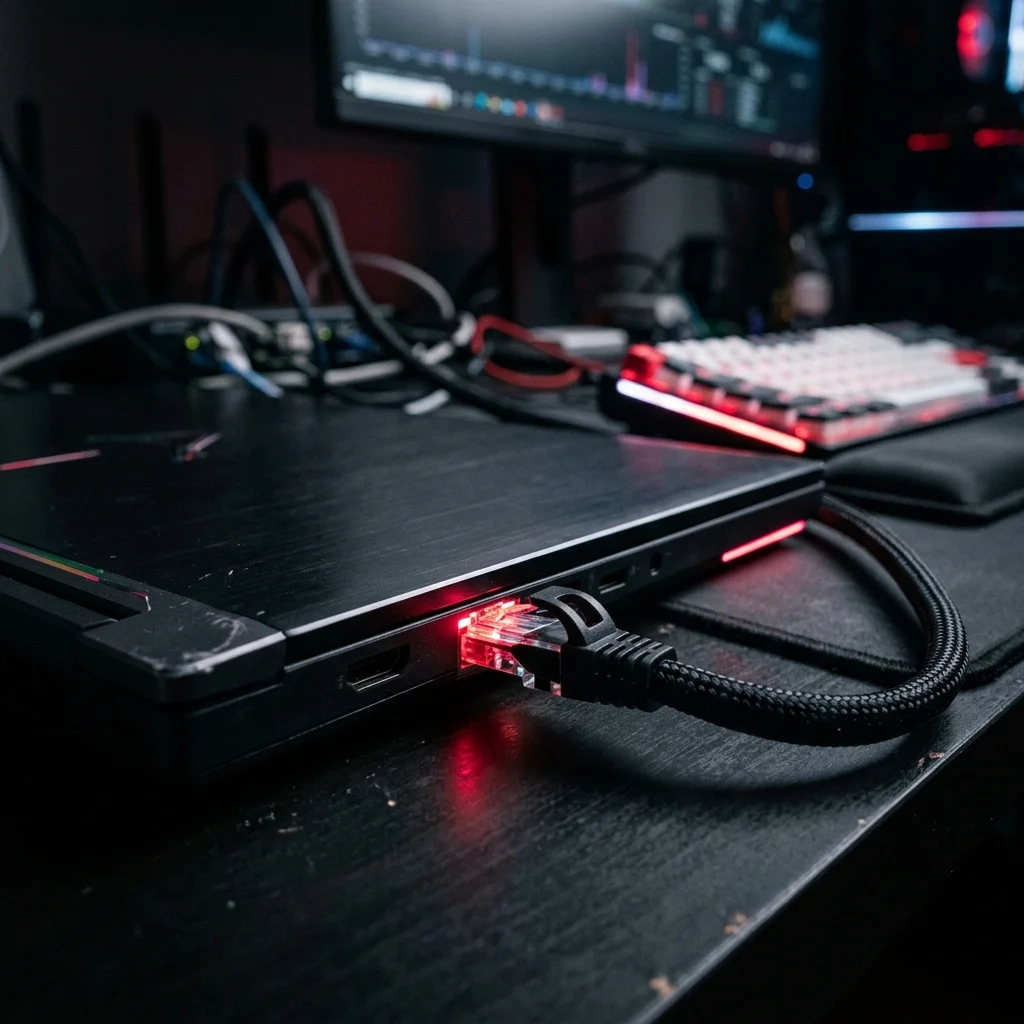
There are no exceptions to this rule when auditing your ISP. Take a quality Cat5e or Cat6 Ethernet cable, plug one connector into the gigabit LAN port on your laptop or PC, and connect the other end directly into a LAN port on the back of your modem or router gateway. Disable your computer's Wi-Fi card so traffic is forced exclusively across the physical wire.
5. Step 2: Quarantine Your Local Network
An internet speed test works by saturating your connection with multiple concurrent data streams to measure maximum line capacity. If another family member is downloading a 60 GB patch on PlayStation, a smart TV is streaming 4K HDR video, or Dropbox is syncing photo libraries, your test results will look artificially choked.
Before initiating the benchmark:
- Temporarily disconnect secondary devices or pause downloads across your household.
- Close all background applications on your PC (BitTorrent clients, Steam, Epic Games launcher, cloud storage agents).
- Disable any active consumer VPN software, as VPN encryption and tunneling introduce artificial routing hops.
6. Step 3: Use Independent, Low-Latency Test Nodes
Navigate to VelocityVerify. Our testing engine automatically provisions a bare-metal server cluster with the lowest geographical transit distance to your physical IP address. Testing against a server 3,000 miles away contaminates throughput numbers with transatlantic fiber propagation limits.
Furthermore, avoid ISP-hosted testing widgets that prioritize traffic on-net. VelocityVerify routes packets across neutral, public transit backbones, reflecting your true everyday web performance.
7. Step 4: Interpret the 4 Core Network Metrics
Broadband advertising fixates almost exclusively on download speed, but true network performance depends on four interdependent numbers:
- Download Speed (Mbps): Measures downstream file transfers and streaming bandwidth.
- Upload Speed (Mbps): Essential for video conferencing (Zoom/Teams), security camera streaming, and cloud backups.
- Idle Ping (ms): Round-trip transit delay with no network activity. Under 20 ms is exceptional; above 60 ms indicates routing overhead.
- Loaded Latency & Bufferbloat (ms): Ping while the connection is under full throughput stress. If loaded ping spikes drastically higher than idle ping, your router requires Smart Queue Management (SQM).
8. What If Your Wired Speed Is Still Terribly Slow?
If you followed this 4-step protocol to the letter—testing over hardwired Cat6 with a quarantined local network—and your speeds still measure at only 15% to 30% of your subscribed tier, you have successfully isolated an external problem.
At this point, one of three external faults is occurring:
- Your ISP is actively rate-limiting your connection (read our guide on how to prove ISP throttling).
- Your neighborhood is suffering from an overloaded optical distribution node during peak hours (see our nighttime slowdown analysis).
- There is a physical RF fault on your outside drop cable (e.g. water intrusion, severe RF noise, or bent fiber).
Capture three timestamped screenshots of your wired VelocityVerify results across morning, afternoon, and evening. That documented evidence allows you to bypass tier-1 call center troubleshooting scripts and demand a field technician dispatch immediately.

About the Author: Younes Kirat
Younes is a certified Cisco Network Associate (CCNA) and Wireless Network Administrator (CWNA) leading network diagnostics at VelocityVerify. He has designed enterprise benchmarking systems and audited broadband infrastructure globally.
Run an unadulterated speed test
Benchmark your download speed, upload bandwidth, loaded ping, and bufferbloat grade across independent bare-metal servers.
Run VelocityVerify Speed Test