
I see the exact same complaint every week from consumers paying $100+ per month for high-tier broadband: At 8:00 PM, Netflix starts buffering, FaceTime drops frames, and gamers rage-quit over massive ping spikes. But by 2:00 AM, everything miraculously speeds up again. Your ISP is not targeting you maliciously. The physical reality of networking is straightforward: you share a physical pipe with hundreds of neighboring homes, and everyone hits "Stream" at the exact same moment.
2. The Physical Reality of Neighborhood Node Saturation
Most residential internet utilizes DOCSIS hybrid fiber-coaxial (HFC) topology. Your home's coaxial cable runs outside to a neighborhood optical distribution node shared with anywhere from 100 to 500 other homes on your immediate street grid.
Broadband providers deliberately oversubscribe these nodes based on statistical multiplexing. They might sell 10 Gigabits of aggregate speed across a block using equipment that physically caps out at 2.5 Gigabits simultaneously. During off-peak hours (like 11:00 AM on a Tuesday), only 15 homes are actively browsing, so everyone receives full line speed. At 8:30 PM, however, hundreds of households pull 4K HDR video, cloud updates, and game downloads simultaneously, causing packets to queue up at the node.
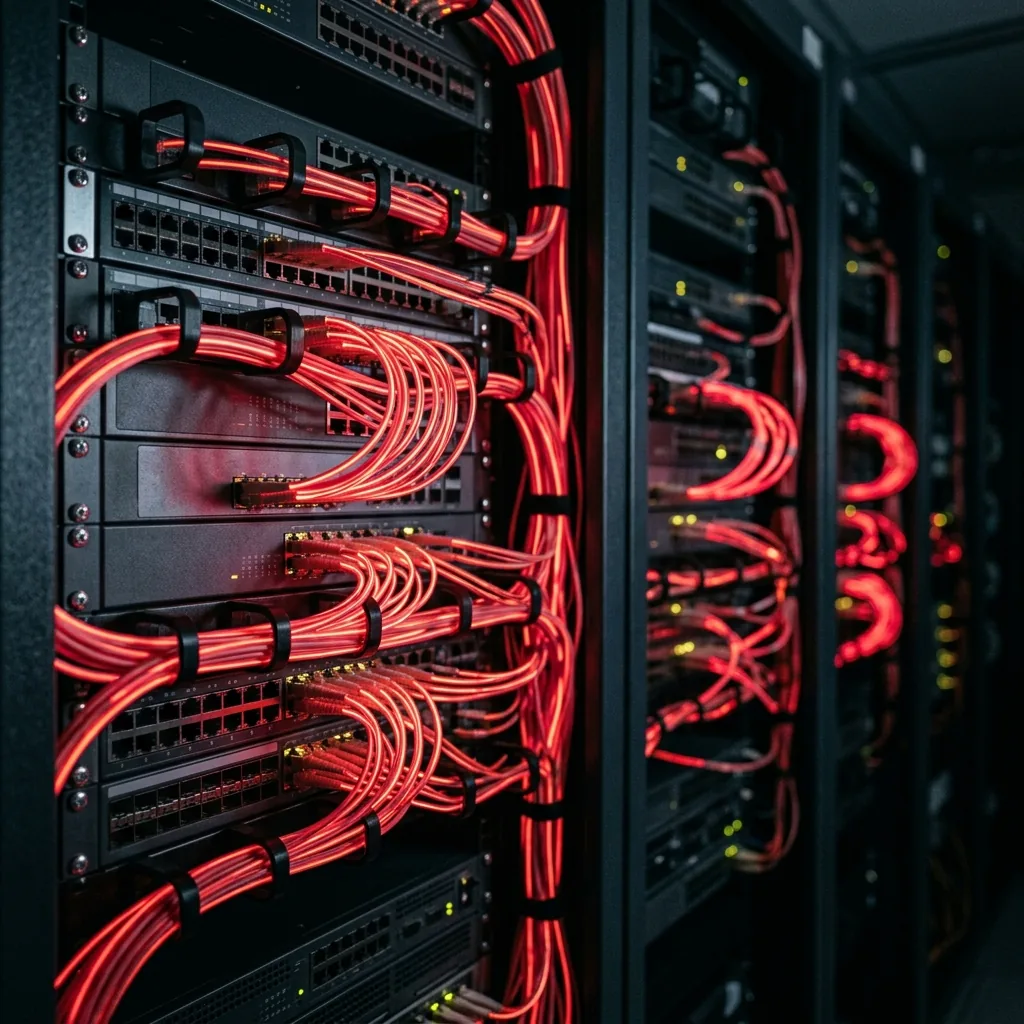
Oversubscription diagram: Local residential drop lines merging into a single saturated neighborhood optical node.
3. Morning vs. Evening Telemetry: The Proof in the Data
Below is empirical benchmark telemetry captured from a standard DOCSIS 3.1 600 Mbps cable connection showing the drastic divergence between morning baseline and evening peak load:
| Network Telemetry Metric | Morning Baseline (6:30 AM) | Evening Peak Load (8:30 PM) | Variance Impact |
|---|---|---|---|
| Download Throughput | 612 Mbps | 144 Mbps | -76% throughput loss |
| Upload Bandwidth | 42 Mbps | 8 Mbps | -80% upload starvation |
| Idle Ping (Nearest Server) | 14 ms | 28 ms | +14 ms latency inflation |
| Loaded Latency (Bufferbloat) | 22 ms | 185 ms | Severe gaming rubber-banding |
| Packet Jitter | 1.1 ms | 24.6 ms | Audio dropouts in Discord/Zoom |
4. Peering Disputes: The Silent Transit Bottleneck
Local neighborhood bufferbloat is not the only source of evening drag. Often, the bottleneck is hundreds of miles away at a peering exchange point—the physical data center where your ISP's backbone connects directly to major content providers like Netflix (Open Connect), Google, or Cloudflare.
During peak hours, these inter-carrier interconnects saturate. When neither your ISP nor the content provider wants to fund infrastructure upgrades to widen the interconnection link, transit queues overflow. This explains why an ISP-hosted speed test might show 500 Mbps, yet your specific 4K movie on YouTube or Disney+ continuously buffers at 480p.
5. Four Concrete Steps to Bypass Nighttime Lag
You cannot rewire your ISP's neighborhood node from your couch. Spending $300 on a generic "gaming router" will not fix an overloaded cable line. Here are the engineering tactics that actually work:
- Connect via Cat6 Ethernet: During the evening, your neighbors' Wi-Fi routers broadcast aggressively across shared channels. Bypassing the 5 GHz airspace with an Ethernet cable eliminates local radio contention entirely.
- Enable Smart Queue Management (SQM): Routers running SQM (like CAKE or FQ-CoDel algorithms) cap your line speed at roughly 90% of available capacity. By preventing network buffers from overflowing, your ping stays flat under heavy load.
- Shift Scheduled Game Updates to 3:00 AM: Never start a 70 GB patch on PlayStation, Xbox, or Steam at 8:00 PM. Use platform scheduling to download large updates in the middle of the night.
- Use a High-Speed VPN to Alter Peering Paths: If your evening slowdown is caused by ISP video throttling or a congested regional peering link, routing through a WireGuard VPN (like Mullvad or ProtonVPN) shifts your packets to alternative transit backbones.
6. When and How to Demand an ISP Node Split
If your hardwired download speed drops by more than 60% every single evening, your neighborhood node is severely oversubscribed. You have the right to demand remediation.
Run sequential speed tests on our VelocityVerify Speed Test at 7:00 AM and 8:30 PM for five consecutive days. Contact your ISP's technical escalation team and state:
Escalation Script for ISP Support
"I have documented a consistent 75% downstream throughput drop between 8:00 PM and 10:00 PM across a hardwired Cat6 connection directly into my DOCSIS 3.1 gateway. My RF signal levels and SNR are within specification. This ticket must be escalated to your Regional Network Operations Center (NOC) to evaluate node utilization and schedule a node split."
If the ISP refuses to split the node or provide an ETA, your best alternative is switching to a dedicated fiber-optic provider. Check our Fiber vs Cable comparison to understand why optical fiber is immune to neighborhood oversubscription.

About the Author: Younes Kirat
Younes is a certified Cisco Network Associate (CCNA) and Wireless Network Administrator (CWNA) leading network diagnostics at VelocityVerify. He analyzes broadband node contention, ISP peering architectures, and packet latency dynamics.
Benchmark your evening performance
Run an unthrottled speed test right now to document your download speed, loaded ping, and bufferbloat grade.
Run VelocityVerify Speed Test