
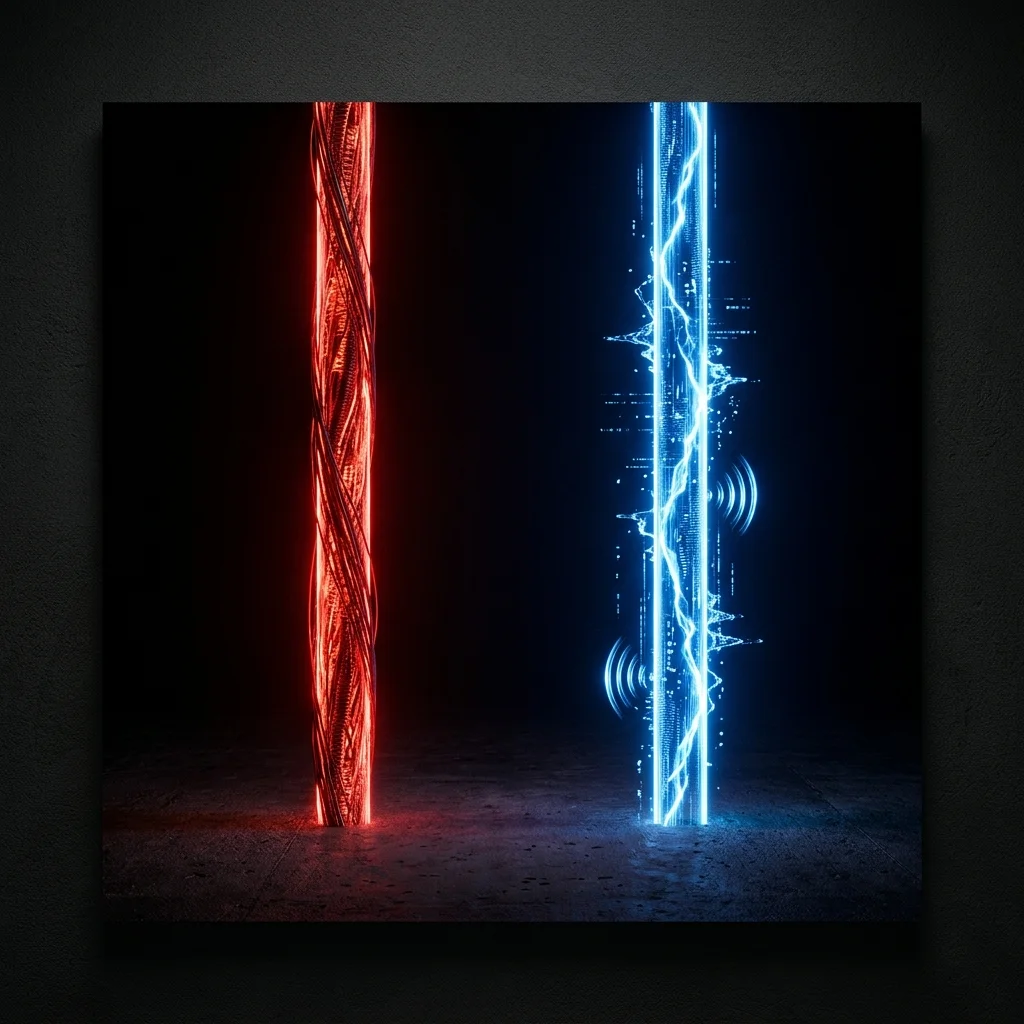
1. The Quick Answer
Wireless carriers are pushing 5G Home Internet hard. The pitch is simple: no technician visit, no drilling, no cable—just a plug-and-play gateway box. Fiber providers counter with pure, symmetrical speeds. Having tested both extensively, the real answer depends on your usage requirements.
2. Head-to-Head Benchmark Comparison
Direct technical metric comparison between residential 5G Fixed Wireless Access (FWA) and Fiber-to-the-Home (FTTH):
| Category | 5G Home Internet (FWA) | Fiber Optic (FTTH) |
|---|---|---|
| Peak Download Speed | 100 – 1,000 Mbps | 100 – 2,000+ Mbps |
| Upload Speed | 20 – 100 Mbps (Asymmetrical) | 100 – 2,000+ Mbps (Symmetrical) |
| Latency (Idle Ping) | 20 – 60 ms typical | 5 – 15 ms typical |
| Jitter | High (Shared airwaves) | Very Low (Dedicated glass line) |
| Peak-Hour Congestion | Noticeable (Shared local towers) | Minimal to None |
| Installation | Instant Self-Install (No tech) | Professional Tech Visit Required |
| Data Caps | Typically None (Varies by tier) | Zero Data Caps |
| Availability | Expanding rapidly across suburbs | Selective (High-density infrastructure) |
3. Where 5G Home Internet Falls Short
The single biggest issue with 5G home internet is not peak speed—it is temporal consistency. Millimeter wave 5G (the ultra-fast 1 Gbps flavor) has an effective range of only ~500 meters and cannot easily penetrate exterior brick or Low-E window glass. Mid-band 5G is far more widespread, but it shares cellular radio spectrum with hundreds of surrounding smartphones.
During peak evening hours (8 PM – 10 PM), when your neighborhood streams 4K video, local cellular sector capacity is stretched thin. You can observe your downstream rate plummet from 350 Mbps down to 35 Mbps. Fiber optic lines are physically dedicated glass strands that do not experience cellular spectrum saturation.
Asymmetrical upstream channels throttle cloud backups, Twitch broadcasting, and multi-user video meetings.
Upload speeds match download speeds bit-for-bit, delivering seamless real-time file synchronization.
4. Where 5G Home Internet Legitimately Wins
If you reside in a market without municipal or commercial fiber infrastructure, and your sole alternative is legacy copper DSL or high-cost cable, 5G Home Internet represents a massive qualitative leap.
Both T-Mobile Home Internet and Verizon 5G Home deliver real-world speeds that leave DSL in the dust. The self-installation process takes less than 15 minutes: unpack the gateway, place it near a window, connect the power cable, and your Wi-Fi 6 network is live. With no contracts, no equipment rental fees, and bundled mobile discounts, it delivers tremendous value.
5. The Test That Settles It for Your Address
Before making a binding decision, run a benchmark on your existing connection using our Speed Test to document your baseline throughput, ping, and bufferbloat.
Next, consult the carrier coverage tools for your exact residential address—not just your city or postal code. Radio signal propagation varies drastically across elevation and building shadows. If a neighbor already operates a 5G gateway, ask them to execute a speed test at 9:00 PM on a weekday. That evening loaded result tells you far more than any carrier marketing claim.
For an in-depth breakdown of physical wirelines, read our Fiber vs Cable Internet Comparison.

About the Author: Younes Kirat
Younes is a certified Cisco Network Associate (CCNA) and Wireless Network Administrator (CWNA) leading network diagnostics at VelocityVerify. He analyzes wireless fixed access, fiber architectures, and real-world consumer broadband performance.
Want to benchmark your connection?
Test your download speed, upload bandwidth, loaded latency, and bufferbloat grade across independent bare-metal servers.
Run VelocityVerify Speed Test